 English
 Russian
17.04.2024
Reset Windows Password v14.2
Telegram data recovery, Photo Database and Media Player investigation tools, and some more
20.02.2024
Reset Windows Password v14.1
IP addresses history viewer, fast disk search, local security editor and some more
Reset Windows Password v14.1
IP addresses history viewer, fast disk search, local security editor and some more

Windows Password Recovery - search DPAPI blobs
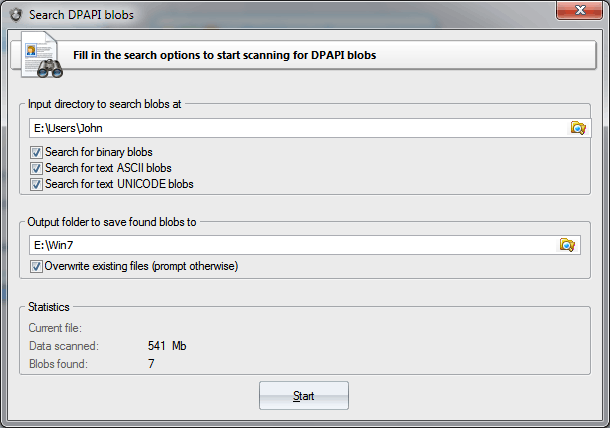
Example of a path, where you can find files, containing binary DPAPI blobs: Keep in mind that if you want to search for blobs in current user's registry or in the Active Directory database, you should first back up the files to a separate directory.
|