Windows Password Recovery - batch attack
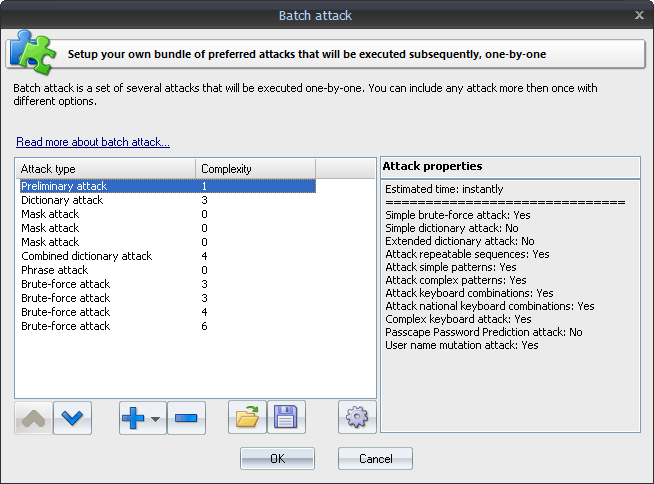
Since each attack covers its own password range, sometimes, in order to fully recover password hashes, you have to run several different attacks one after another. The basic idea behind the batch attack (developed by Passcape Software) is to create a list/batch of attacks to be run one after another, so that you could launch all those attacks with a single click of the mouse and not hassle with configuring each of them individually every time you need them.
The batch attack options are available as a list that you can extend or cut (buttons [ + ] and [ - ] ). Each attack on the list can be moved up or down (buttons [ ^ ] and [ v ] ), and its settings can be edited. A batch can include several attacks of the same kind, but of the attacks can have different settings. The pane to the right of the selected entry displays the properties of the selected entry; brief specifications of the attack and the estimated time the attack will take to complete.
 English
 Russian
