English
 Russian
17.04.2024
Reset Windows Password v14.2
Telegram data recovery, Photo Database and Media Player investigation tools, and some more
20.02.2024
Reset Windows Password v14.1
IP addresses history viewer, fast disk search, local security editor and some more
Reset Windows Password v14.1
IP addresses history viewer, fast disk search, local security editor and some more

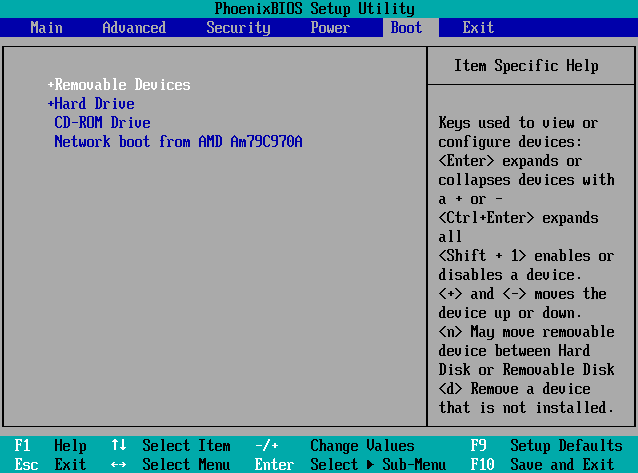
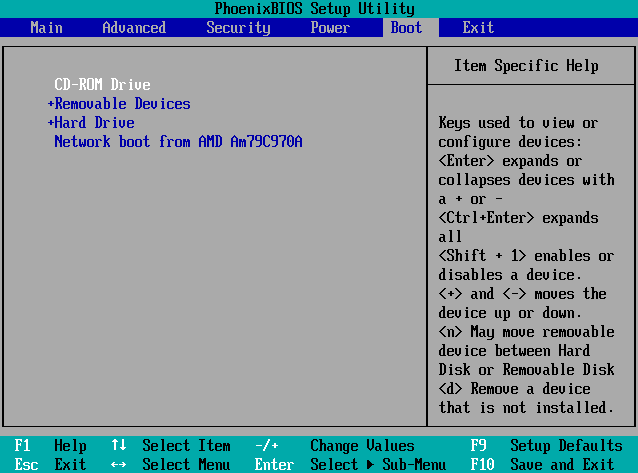
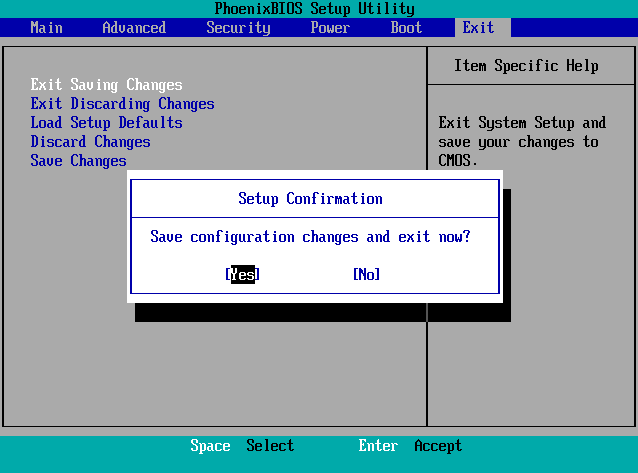
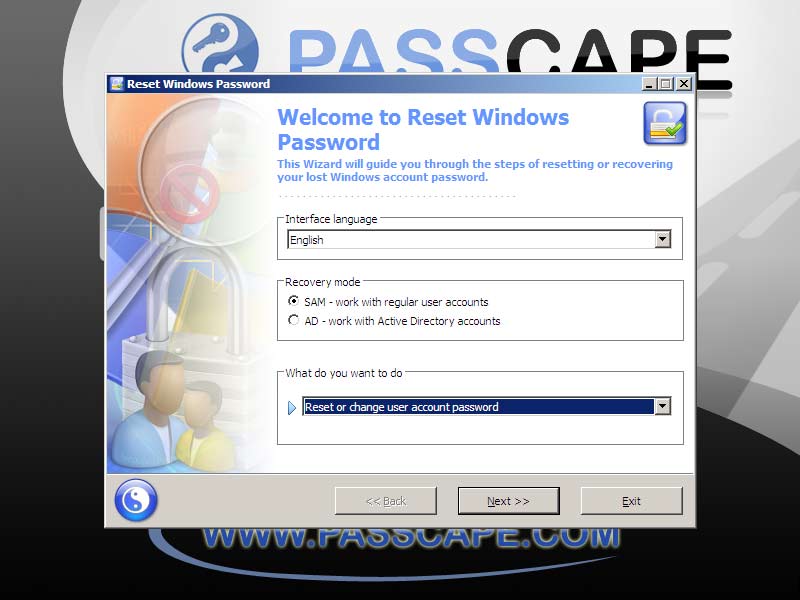
Booting RWP from CD, DVD or USB drive
If your PC uses UEFI firmware, you can use fast boot selection without altering any settings. This option is also available from UEFI's main menu.
|