English
 Russian
17.04.2024
Reset Windows Password v14.2
Telegram data recovery, Photo Database and Media Player investigation tools, and some more
20.02.2024
Reset Windows Password v14.1
IP addresses history viewer, fast disk search, local security editor and some more
Reset Windows Password v14.1
IP addresses history viewer, fast disk search, local security editor and some more

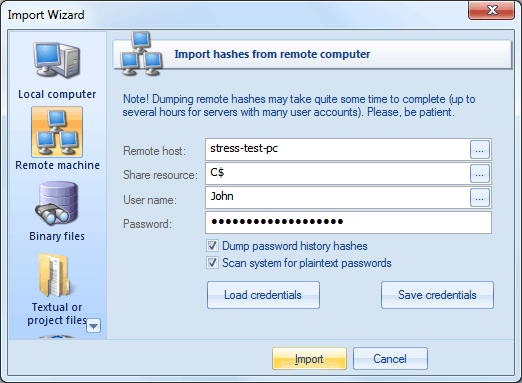
Windows Password Recovery - loading hashes from a remote computer
The import feature requires administrative privileges.
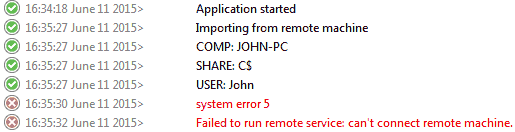
You may, however, experience some troubles connecting to remote PC, even if you have an Administrator account. When connecting to the target PC with Windows Vista/7/8/10, you may get the following error: When a user with an administrator account in a Windows Vista computer's local Security Accounts Manager (SAM) database remotely connects to a Windows Vista computer, the user has no elevation potential on the remote computer and cannot perform administrative tasks. If the user wants to administer the workstation with a SAM account, the user must interactively log on to the computer to be administered. There's, however, a flag in the Windows registry that allows changing the default behavior. Just launch the registry editor of the target PC and open the following key: HKEY_LOCAL_MACHINE\SOFTWARE\Microsoft\Windows\CurrentVersion\Policies\system Then create DWORD value LocalAccountTokenFilterPolicy and set it to one (1). So you will be able to connect to the admin share. |