English
 Russian
17.04.2024
Reset Windows Password v14.2
Telegram data recovery, Photo Database and Media Player investigation tools, and some more
20.02.2024
Reset Windows Password v14.1
IP addresses history viewer, fast disk search, local security editor and some more
Reset Windows Password v14.1
IP addresses history viewer, fast disk search, local security editor and some more

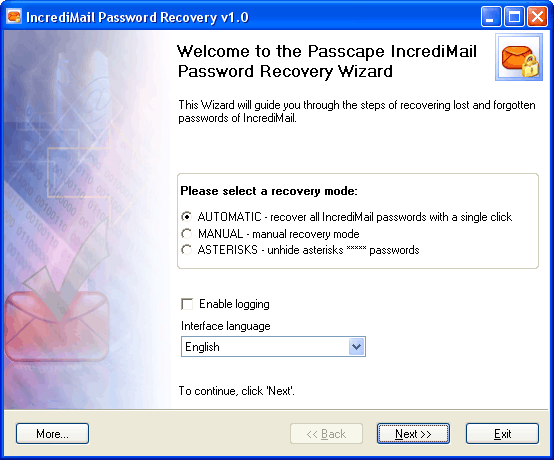
IncrediMail Password Recovery ScreenshotsChoose a recovery mode:
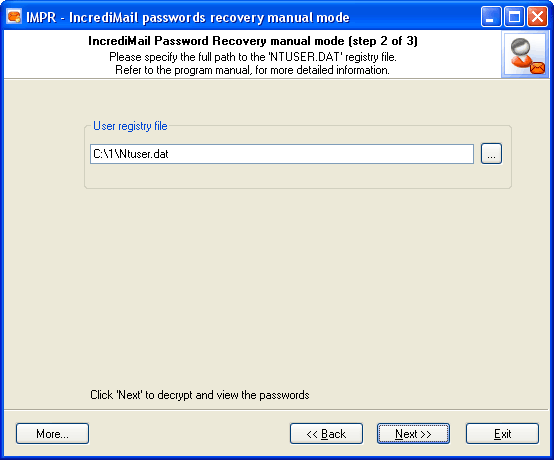
Manual recovery mode. You should specify the full path to the registry file of your old Windows account.
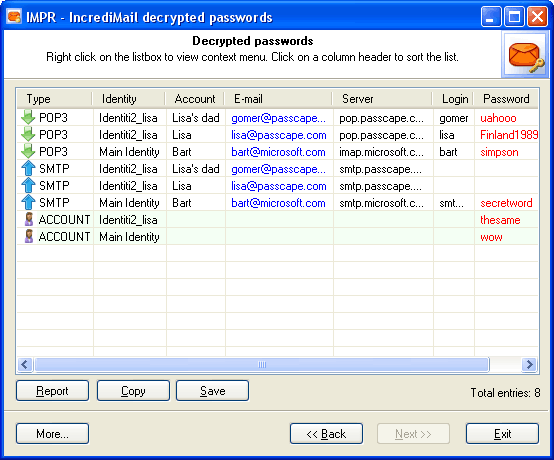
The final dialog contains found and decrypted passwords. All found and decrypted passwords are highlighted in red.
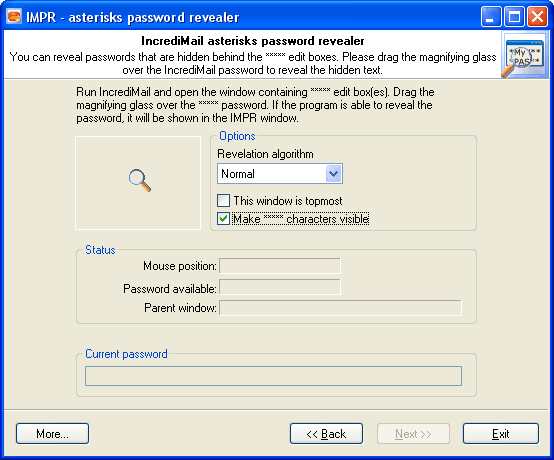
With IMPR you can reveal ***** passwords for many programs, not only for IncrediMail.
|